All features

Cloudesk Construction

From the measurement book to the RA bill.

Set up each contract with its retention, mobilisation advance recovery, GST and the client's TDS, and import the BOQ from the tender's spreadsheet. Record measurements as nos × length × breadth × depth on site, have them checked, and prepare the next running-account bill from everything measured up to a date — up-to-date, previous and this bill for each item, with quantities over the BOQ flagged. Submit it, record what the client certified, and the deductions follow.

Construction projects on a phone

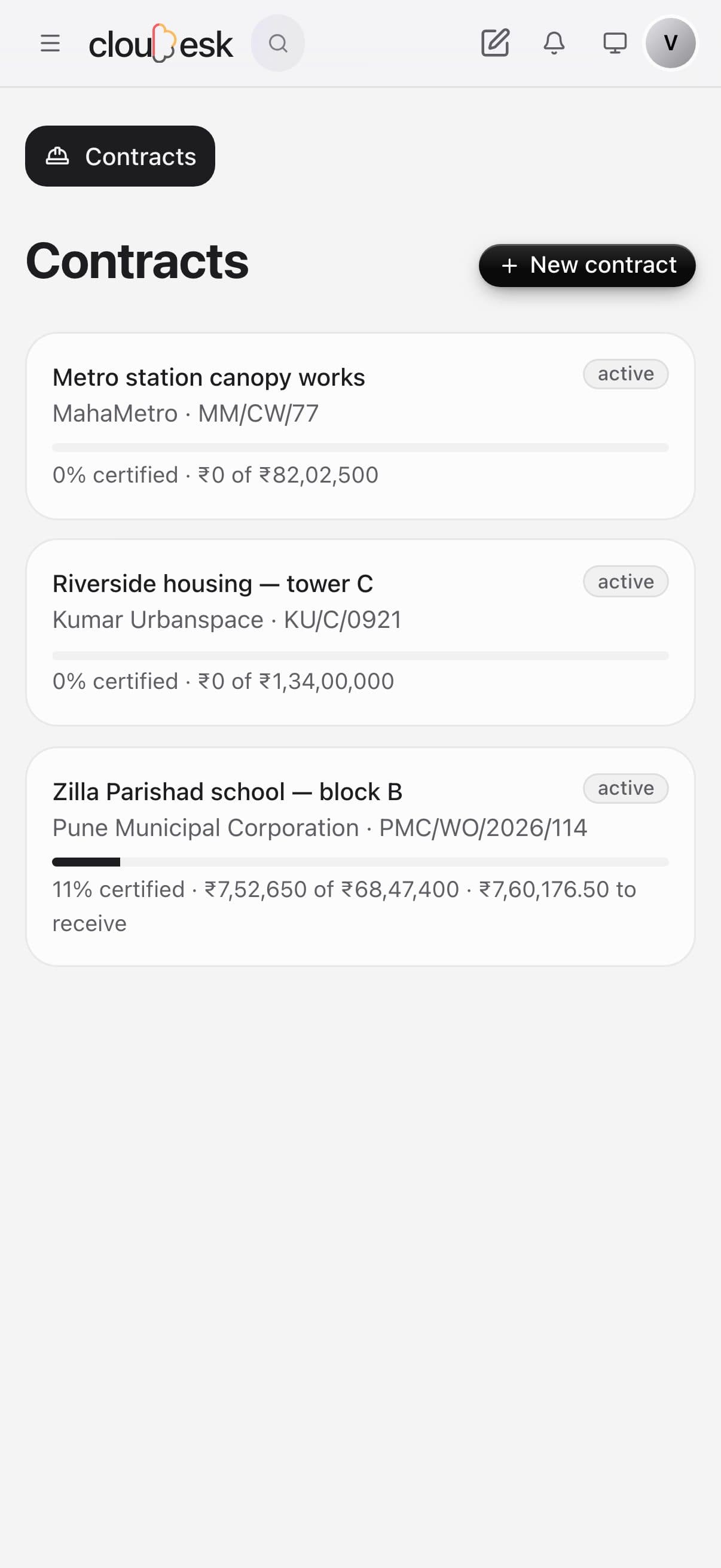
Real screenshots from the app, using a demo workspace.

How it works

Three steps, no surprises

  1. 1

    Set up the contract

    Client, work order, retention %, advance recovery %, GST and TDS — then import the BOQ.

  2. 2

    Measure on site

    Nos, length, breadth, depth by location, with a check by the engineer in charge.

  3. 3

    Bill and get paid

    Prepare the RA bill, submit, record certification, and match money received to it.

The tour

Every tool, up close.

  1. 01BOQ

    Your BOQ, measured and billed.

    Import the bill of quantities from your spreadsheet. Each item shows how much has been measured on site and how much has gone into bills — with the contract's certified value and what's still to receive.

    • Import the BOQ from Excel or CSV
    • Measured vs billed for every item
    • Retention, advance, GST and TDS set per contract
    A school building contract: BOQ with measured and billed quantities, certified value and money to receive
  2. 02Measurement book

    Measurements the way the site records them.

    Enter number, length, breadth and depth — or just a quantity — against a BOQ item and location. Each entry shows who recorded it and whether it's gone into a bill.

    • Nos × L × B × D worked out
    • Location and date on each entry
    • Checked and billed status
    The measurement book: number × length × breadth × depth for each entry
  3. 03RA bills

    Running bills that do the deductions for you.

    Prepare the next running account bill from measurements up to a date. Retention, advance recovery, GST and TDS are worked out, and the client's certification is recorded against it.

    • From measurements up to a date
    • Retention, advance, GST and TDS
    • Submitted, then certified with the client's reference
    Running account bills with retention, advance recovery, GST and TDS worked out
  4. 04Site diary

    Every day on site, written down.

    Note the weather, labour by trade, work done and anything that held you up — one entry a day, signed with who wrote it.

    • Labour by trade
    • Weather and hindrances
    • A dated record for disputes and claims
    The site diary: weather, labour by trade and work done each day

In detail

What you get with Cloudesk Construction

An honest abstract

Up-to-date, previous and this-bill quantities per item, at the BOQ rate, with excess over BOQ flagged.

Good to know

We'd rather be upfront than surprise you later:

  • This bills your client; subcontractor bills and labour payments go through Payables and HR.
  • No price escalation clauses, extra items or variation orders yet — add them as BOQ items.
  • No drawings, Gantt schedule or material reconciliation against the BOQ.

Questions people ask

Can a measurement be changed after it's billed?+

No. Once a measurement is in an RA bill it’s locked; deleting a draft bill frees its measurements.

What if the client pays less than the bill?+

Record what they paid; the rest stays to receive against that bill.

Works beautifully with

Give it a spin — it's free to start.

Next up: Cloudesk Custom objects →

Start free